V-Carving Toolpath
The V-Carving toolpath is used to cut the text you have in your project. If you don't have any text, then this toolpath won't be needed.
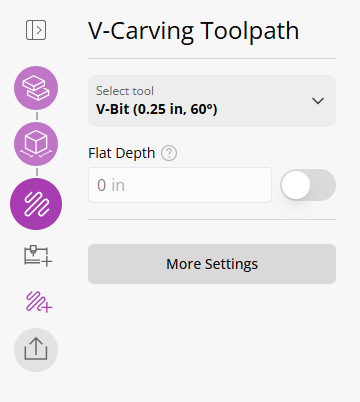
The V-Carving toolpath has two main parameters you need to set:
- Tool - you will need to select a V-Bit tool (or create one)
- Flat Depth - The deepest part we cut to and would leave a flat part at the bottom instead of a pointy V
When do I need a flat depth?
You may need it for many reasons but primarily.
- Aesthetics: you want the text to have a flat bottom
- Depth: avoid the V-Bit from going too deep and cutting through the material
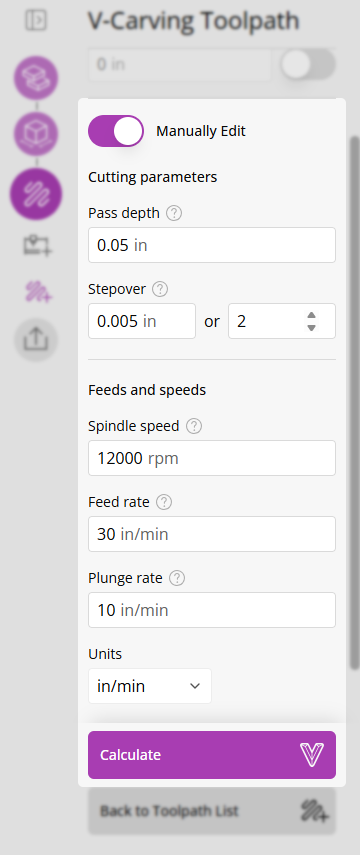
More Settings
By default, the toolpath will be created using the settings from the tool database. You can override these settings by using the 'More Settings' button.