Background
Backgrounds are a foundational element in EasyCarve that provide a simple layout which can be machined by itself. They serve as a canvas where you can insert other models from Design & Make to create custom layouts for machining.
What are Backgrounds?
Backgrounds provide structured regions where you can place other models. They offer:
- Pre-designed layouts that are ready for machining
- Designated regions for inserting additional models
- A framework for organizing your design elements
Background Import Process
The Background Import screen can be accessed from the main Layout section of EasyCarve.
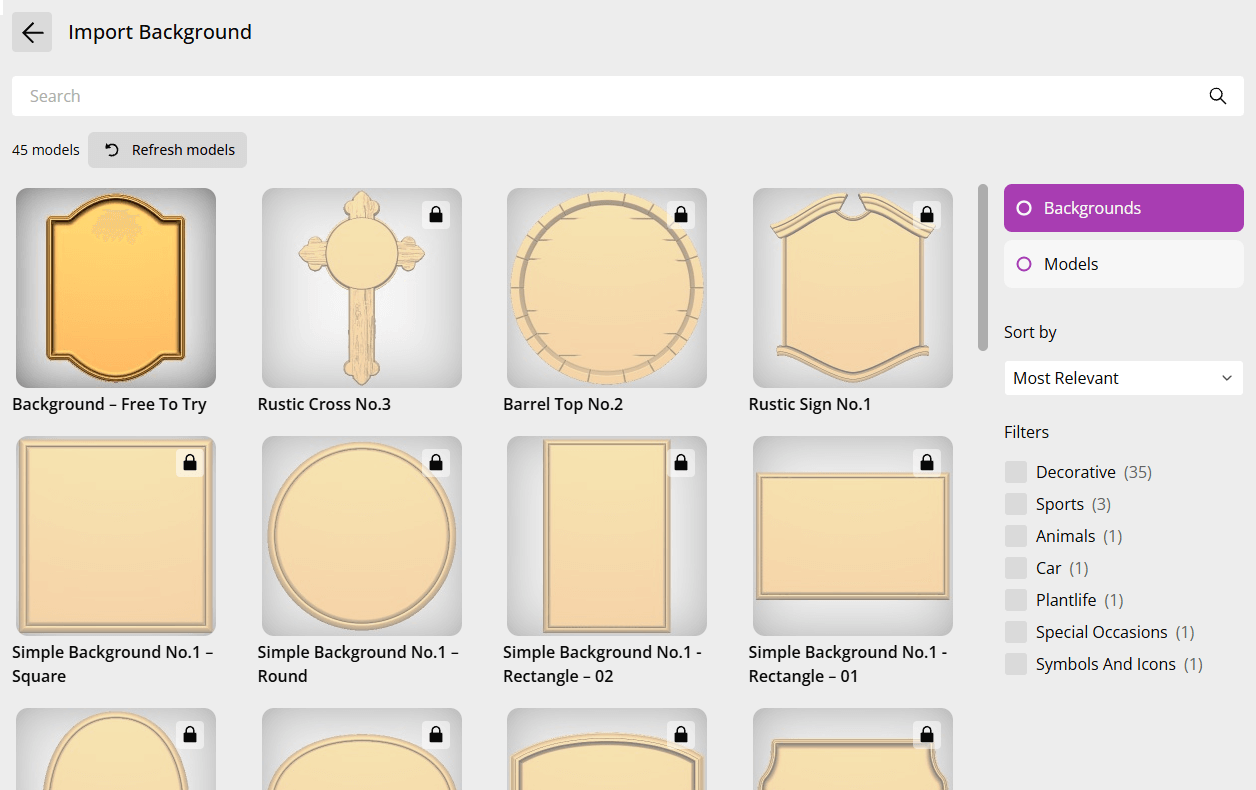
The import screen displays all available backgrounds.