Edit Background
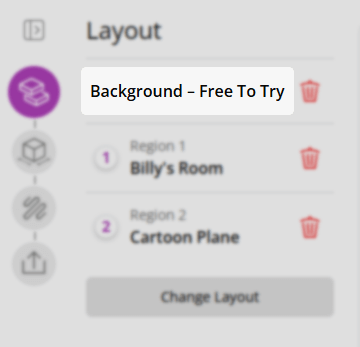
To access the background edit form, that allows you adjust the orientation of the background model in your project, click on the background name.
Orientation
The Orientation section provides two buttons for adjusting the background's orientation:
- Rotate: Rotates the background 90°. Because a background defines the overall dimensions of the project, this also swaps the material width and height to keep the aspect ratio consistent.
- Flip: Mirrors the background horizontally (around the Y axis).
Switching the Background
To replace the current background with a different one, use the switch button (model-type icon) in the step header to open the background search.
