Add / Edit a Tool
This form allows you to add or edit a tool in the tool database.

Tool Type
The type of tool. This will determine the cutting parameters that are available for the tool.

The possible tool types are:
- End Mill (Most suited for Roughing and Cutout toolpaths)
- Ball Nose (Most suited for Finishing toolpaths)
- Tapered Ball Nose (Most suited for Finishing toolpaths)
- V-Bit (For V-Carving toolpaths)
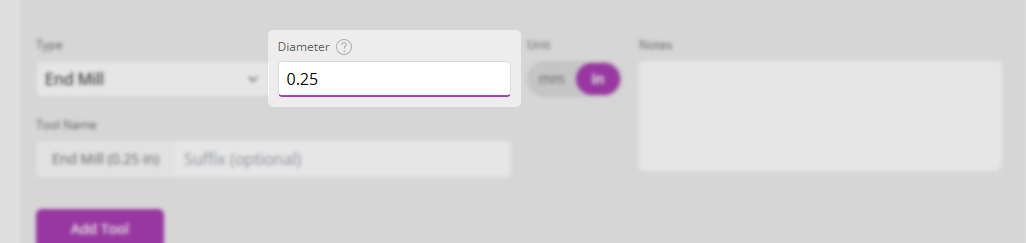
Tool Diameter
The diameter of the tool
Included Angle
(V-Bits only) The angle of the tool as viewed from the side.
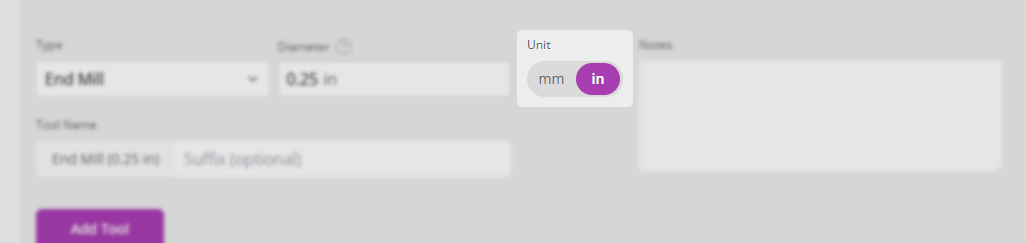
Tool Units
The units that the tool diameter and other tool dimensions are measured in.
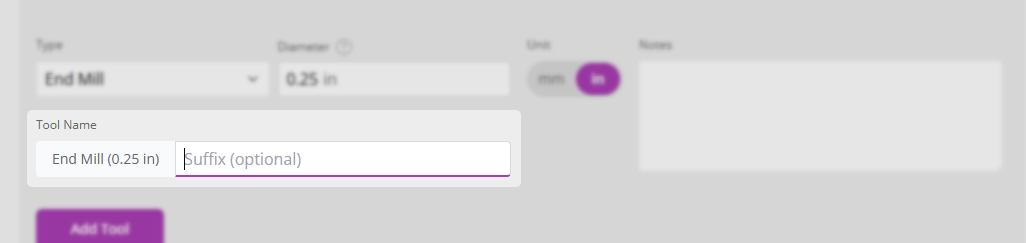
Tool Name
The name of the tool. This is the name that will be displayed in the tool database. Tools will automatically be given a name based on their type and diameter. If you wish, you can add a suffix to this name to help you identify the tool.
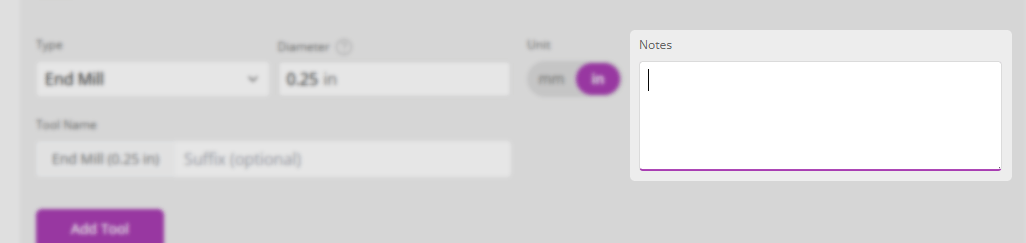
Tool Notes
A description of the tool. This is useful for adding notes about the tool that you may need to remember later, for example the tool manufacturer, the tool material, or the tool coating.
Once all values you require have been entered, click the 'Add Tool' button and add feeds and speeds for tool, material, and machine combinations you require. To learn more about how this works see the Tool Feeds and Speeds section.